


Luckycapone App for Mobile and Desktop
The Luckycapone app puts the entire casino on your phone, tablet, or computer without making you deal with app store downloads or massive file installations. It’s built as a progressive web application, meaning you get the full game library, payment features, bonuses, and support, no matter which device you’re holding. Luckycapone Casino made sure everything works the same on a phone screen and at your desk.



Features of the Lucky Capone App
The Luckycapone app matches desktop capabilities while working better for mobile situations. Games load fast, graphics look sharp on smaller screens, and touch controls respond accurately. Navigation simplifies from complex desktop menus into mobile-friendly swipe interfaces.
Mobile beats the desktop practically, as you can play from anywhere the internet reaches. Push alerts notify you immediately about promotions or tournaments. A desktop can’t do that. The Luckycapone app handles data smartly, using cached content so it doesn’t destroy your mobile data allowance.
Performance and Compatibility Across Devices
Luckycapone Сasino built the app to run smoothly across different device capabilities. Modern phones and tablets handle everything without slowdowns. Older devices might load slightly slower but still access all features. The progressive web app adjusts automatically to device limits.
| Feature | Mobile | Desktop |
| Access | Anywhere with internet | Needs computer |
| Controls | Touch screen | Mouse and keyboard |
| Alerts | Push notifications | Email only |
| Display | Vertical layout | Horizontal spread |
| Games | Full library | Full library |
The gaming experience quality stays consistent regardless of the Luckycapone platform. Online slots perform the same on phones and computers. Live casino streams maintain quality with decent internet. Payment processing works identically, and the verification process completes on mobile or desktop without limits.
Mobile Application for iPhones and iPads
iPhone and iPad owners access the Luckycapone app through Safari or by installing the web app from the casino site. Browser play works fine without installing – log in and start playing. Everything functions: games, money movement, bonuses, reaching the support team.
Installing as a web app adds home screen access and push notifications:
- Open Luckycapone in Safari.
- Tap the Share button (square with upward arrow).
- Scroll down and tap “Add to Home Screen.”
- Tap “Add.”
The Luckycapone Casino icon appears on your home screen like regular apps. Tap it to jump straight into the mobile casino without opening Safari first. Push notifications start working, alerting you about promos, tournament rankings, and new games.
Troubleshooting Common Installation Issues
Installation problems on iOS usually trace back to typical causes. If “Add to Home Screen” doesn’t appear, check you’re using Safari – other browsers don’t handle this iOS feature correctly. Older iOS versions sometimes act weird; updating often fixes issues. An icon not appearing after installation usually means the confirmation didn’t complete – run through it again, making sure to tap “Add” at the end.
If push notifications are not working, check your device notification settings – the Luckycapone app needs permission. Slow loading or games refusing to launch often comes down to the internet connection. Switch from cellular to WiFi if the signal’s weak. To clear Safari’s cache, go to Settings, then Safari, and select Clear History and Website Data. If you’re still stuck, contact the support team via live chat.
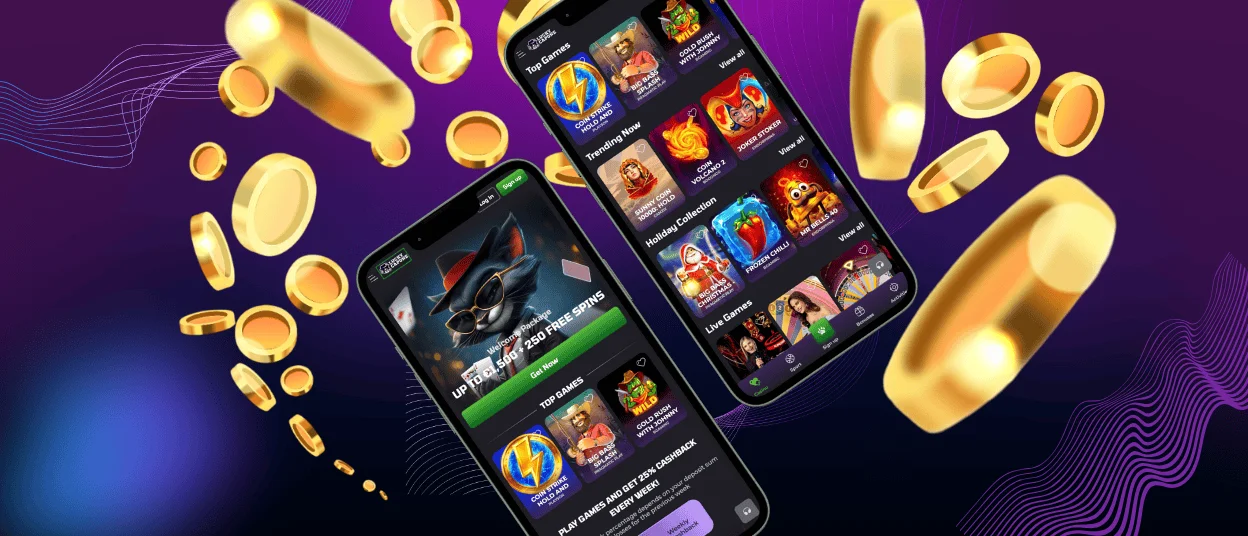
Lucky Capone App for Android
Android devices access Luckycapone through Chrome, Firefox, or other browsers. Playing through the browser works without installing – full functionality exists. Installing the web app gets you home screen access and push notifications.
Installation Process
To download the Lucky Capone app:
- At the site in your Android browser, scroll to the bottom.
- Tap “Casino App.”
- Hit “Install.”
- Wait for completion.
The Luckycapone icon appears in your app drawer and can go on home screens like regular apps. Updates happen automatically – you always run the newest version without manual downloads. Storage stays minimal since progressive web apps use cached data efficiently.
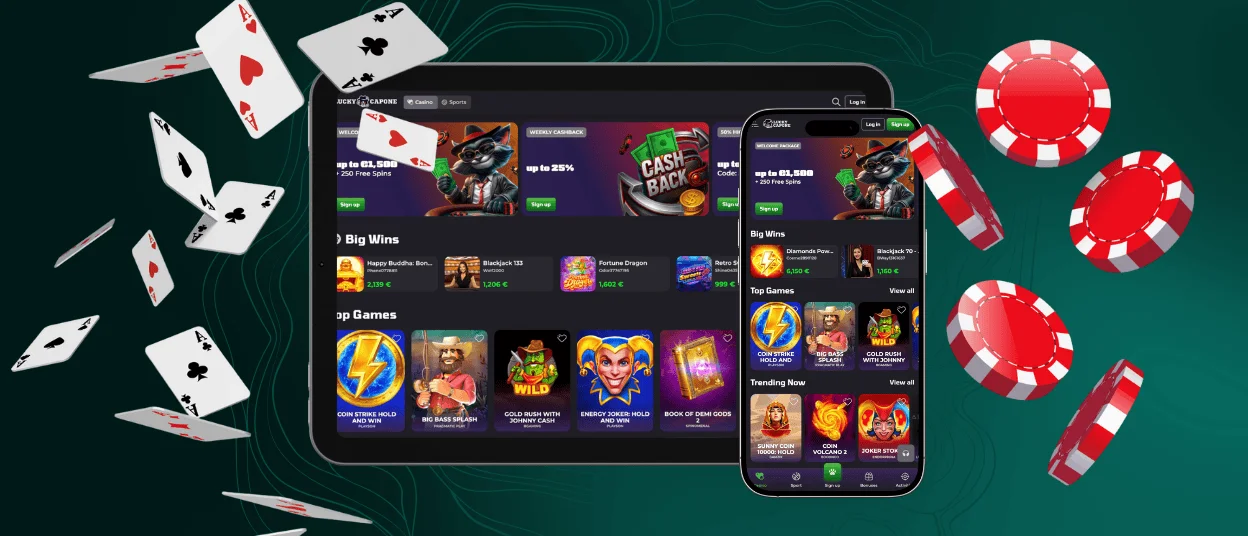
Luckycapone on Desktop for macOS or Windows
Playing Lucky Capone on your computer doesn’t require downloading programs that clog your hard drive. It runs through regular browsers on both Mac and Windows. For faster access, create a desktop shortcut that opens the casino with one click.
Windows users hit the three-dot menu at Luckycapone and pick “Add to Desktop.” Mac users take similar steps in Safari or Chrome. The shortcut launches the Luckycapone Casino in its own window instead of another browser tab.
Desktop wins in screen space and control precision. Larger monitors let you actually see details in online slots with intricate graphics. Live casino streams benefit from the viewing area – you catch dealer movements clearly, see every card flip, and read table info without zooming. Running multiple games doesn’t feel cramped. Mouse control beats touchscreens for table games needing precise chip placement.
Differences Between Desktop and Mobile Gameplay
Desktop and mobile versions of Luckycapone Casino work identically at their core – same games, same features, same account. Differences show up in layout and interaction. Desktop spreads horizontally across wide screens, while mobile stacks vertically for phone viewing. Touch replaces mouse clicks. Notifications differ – mobile sends push alerts about promos and tournaments; desktop relies on checking the site or email. Desktop edges ahead mainly in multitasking – having other apps open alongside the Luckycapone Casino, managing detailed records, and adjusting settings all feel less cramped on larger screens.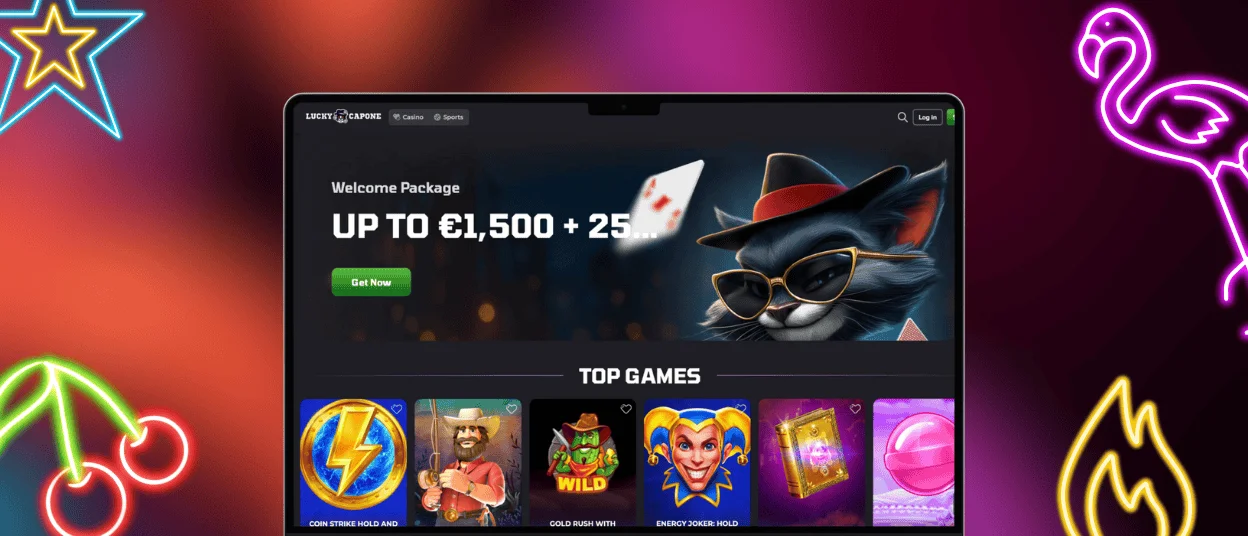
FAQ
Are there any differences in graphics or game performance between the Mac and Windows versions of Luckycapone?
No real differences exist. Lucky Capone Casino runs through browsers on both, so graphics, speeds, and functionality stay identical. Browser choice matters more than operating system. Performance variations trace back to your computer’s hardware, internet speed, or browser optimization, not Mac versus Windows distinctions.
Is the Android app compatible with tablets as well as smartphones?
The Android Luckycapone app works on phones and tablets. The app detects screen size and adjusts automatically. Tablets get horizontal layouts using extra width, phones get vertical layouts for one-handed use. Performance stays consistent across device types as long as Android and your browser are reasonably current.
How often is the Lucky Capone mobile app updated, and are updates automatic?
Updates happen automatically without manual downloads. When Luckycapone Casino pushes updates to servers, your app gets the changes on the next launch. You always run the current version without checking anything. Update timing varies: new games weekly, security patches as needed, and interface tweaks periodically. Most updates happen invisibly in the background.
Does the iOS app support older iPhone or iPad models?
The iOS Lucky Capone version works on most older iPhones and iPads as long as they’re running a reasonably recent iOS with Safari updated. Devices from roughly 2016 onward generally handle it fine. Older hardware might chug a bit when loading slots with heavy graphics, but you’ll still be able to play and access everything important. If your device is struggling, close apps running in the background, make sure iOS is updated to whatever’s newest for your model, or clear out Safari’s cache to free up some breathing room. If you’re not sure if your specific iPhone or iPad will cut it, message the support team through live chat with your model – we’ll tell you straight whether it’ll run smoothly or not.


